
Geospatial data is a critical layer for understanding customer behavior, optimizing campaigns, and building location-aware products. The right geo tools unlock insights that flat data simply can’t provide. They turn abstract numbers into actionable geographic intelligence.
This guide compares 7 essential platforms, datasets, and hardware providers. We focus on practical applications from enterprise GIS to developer-friendly APIs. You will learn which tools are best for market analysis, content strategy, and enhancing AI visibility.
We analyze industry leaders like Esri, open-source alternatives like QGIS, and crucial data providers such as Planet. Each review covers use cases, features, pricing, and limitations. To unlock this data’s potential, strong map viewer design is key.
1. Esri (ArcGIS)
Esri’s ArcGIS platform is the heavyweight in Geographic Information Systems (GIS). It offers an enterprise-grade ecosystem for deep spatial analysis and data management. It’s built for creating sophisticated interactive maps.
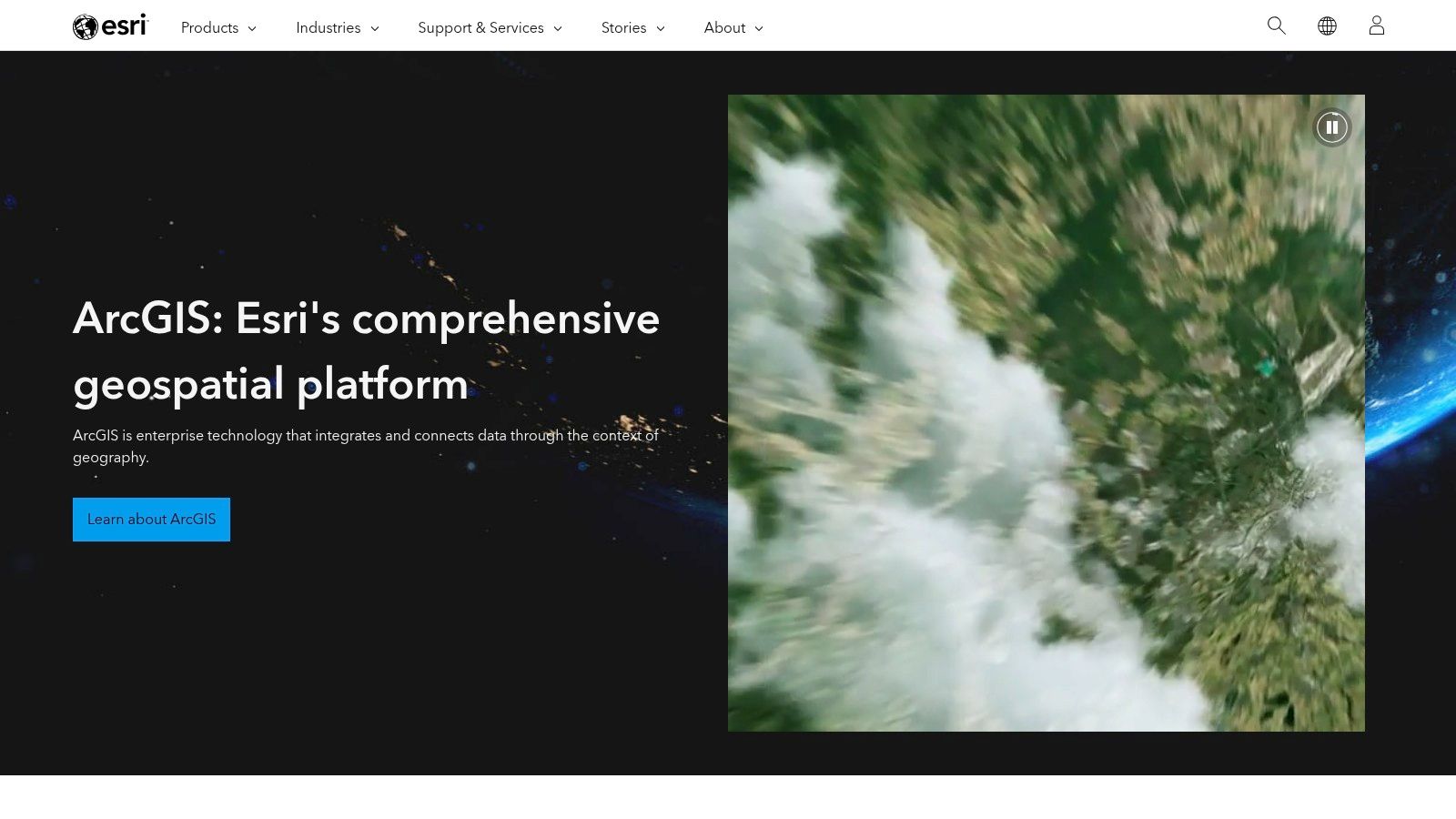
Its comprehensive suite includes ArcGIS Pro for desktop and ArcGIS Online for cloud collaboration. The platform uses a credits-based model for services like geocoding and routing. While powerful, its enterprise-focused pricing can be a barrier for smaller teams. For teams exploring alternatives, there are other powerful research tools available that may suit different needs.
- Ideal Use Case: Enterprise-level market analysis, logistics and supply chain optimization, and environmental modeling.
- Pros: Industry-standard tools with a massive support community and extensive documentation.
- Cons: Complex licensing and pricing can be a barrier for smaller teams; the free/personal use license has strict non-commercial limitations.
- Website: https://www.esri.com
2. QGIS (Open-source GIS)
QGIS is the leading open-source desktop solution for GIS. It provides a comprehensive suite of tools for data viewing, editing, and analysis. Its capabilities rival many commercial products at no cost.
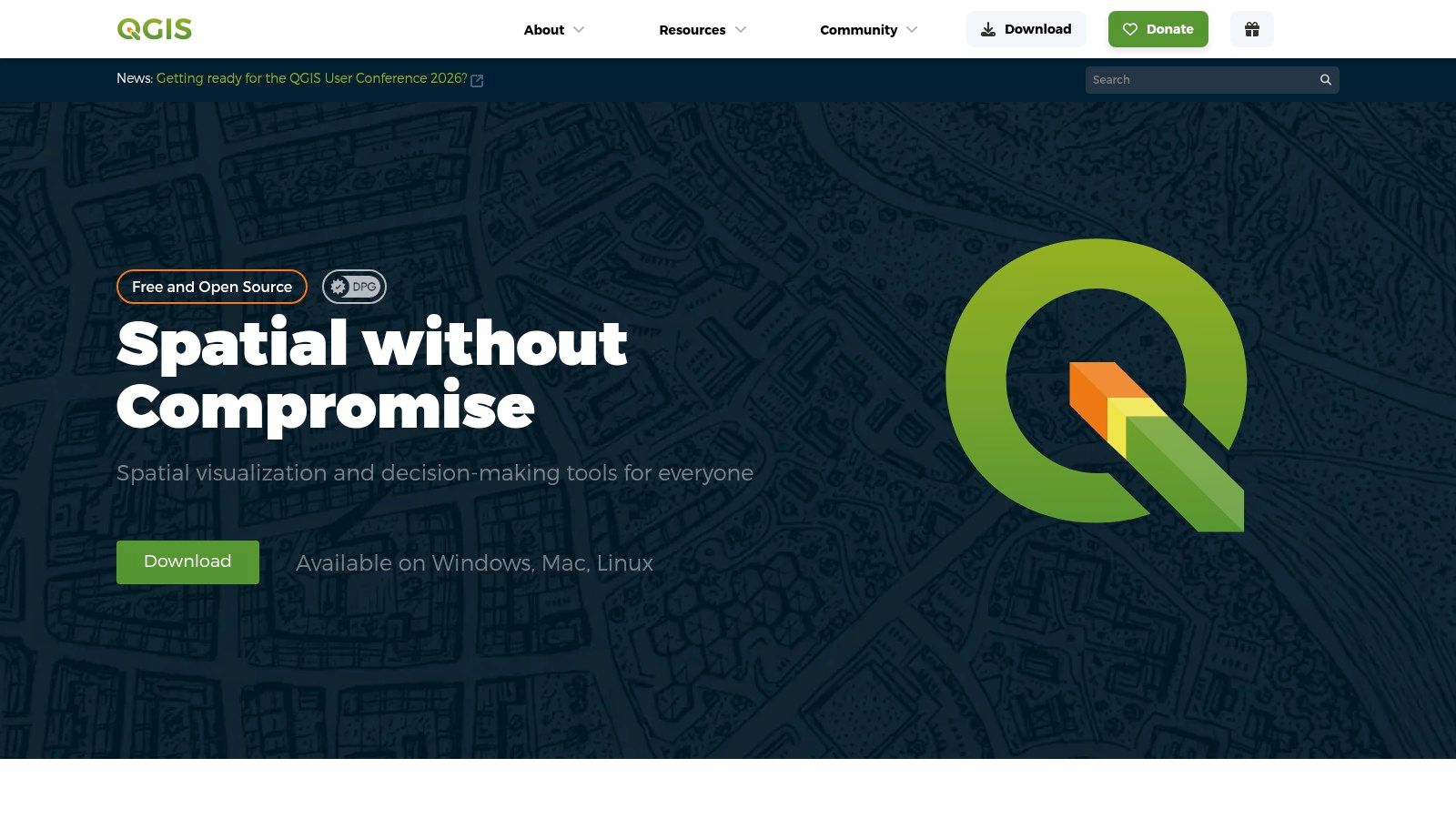
The extensive plugin architecture allows users to add highly specialized functionality. The platform is entirely free, making it accessible for startups and researchers. While it lacks centralized enterprise support, a vast global community offers robust assistance. Understanding how these tools fit into a broader strategy is key, and you can explore more on how geospatial data impacts search in discussions on AI, SEO, and Generative Engine Optimization.
- Ideal Use Case: In-house spatial data analysis, creating high-quality static maps for reports, and academic or non-profit geospatial projects.
- Pros: Completely free with no licensing costs, supported by a massive plugin ecosystem and a very active community.
- Cons: Enterprise-level support must be sourced from third-party partners; some advanced functions may require scripting knowledge or finding the right plugin.
- Website: https://qgis.org
3. USGS EarthExplorer
USGS EarthExplorer is the public gateway for a massive archive of U.S. federal earth science data. It is an essential, no-cost resource for historical and current geospatial imagery. This makes it one of the most foundational geo tools for raw data acquisition.
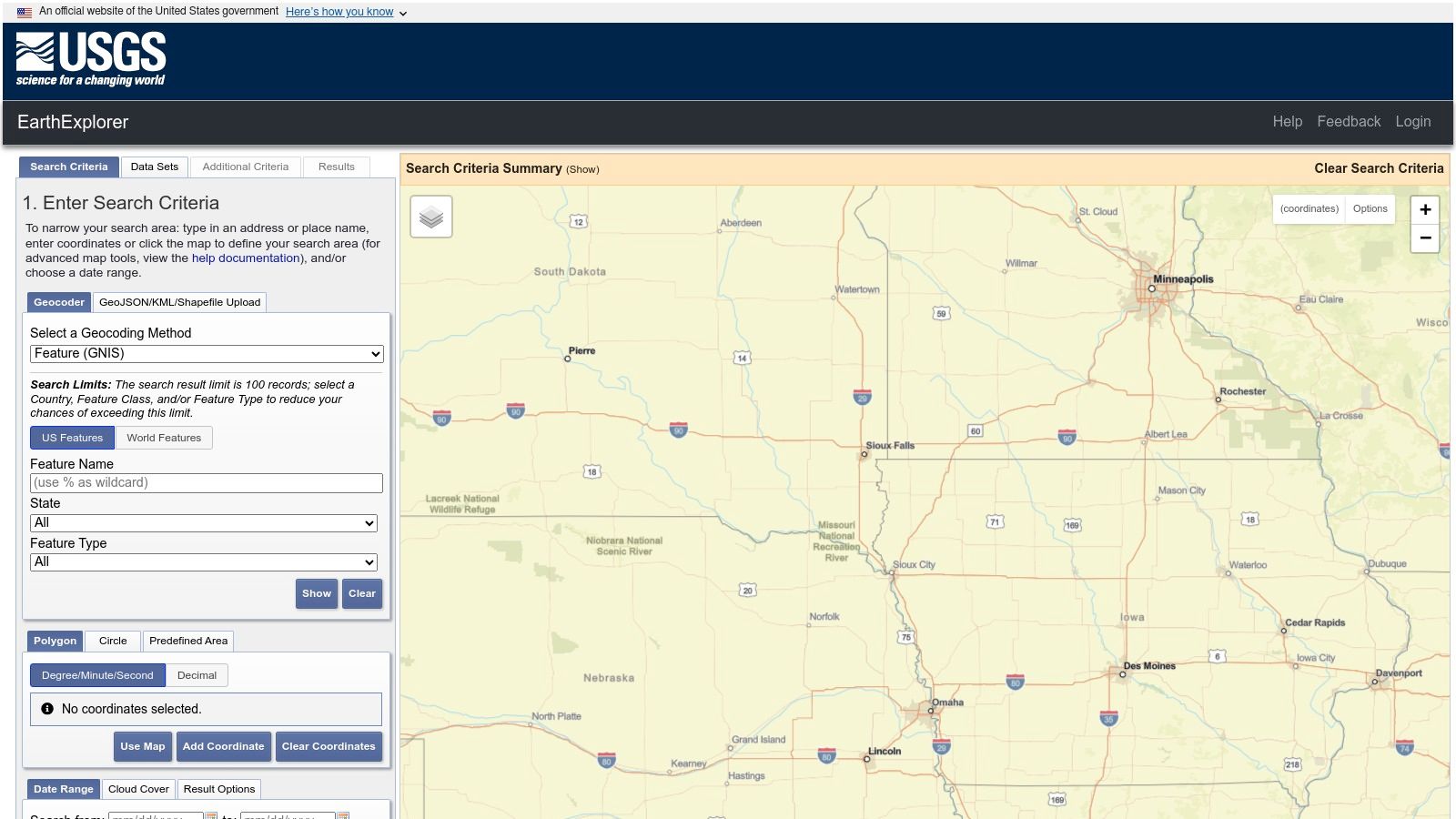
The platform’s strength lies in its vast, free-to-access archives, particularly the complete Landsat collection. Users can search, preview, and download scenes after filtering by area, date, and cloud cover. While the interface can feel dated, the quality and historical depth of the data are unparalleled for public-domain sources.
- Ideal Use Case: Environmental monitoring, agricultural analysis, academic research, and sourcing historical land imagery for change detection.
- Pros: No-cost access to vast federal archives like Landsat, and provides detailed metadata and supporting documentation.
- Cons: The user interface can feel clunky and outdated; some specialized or historic datasets may require specific certifications or fees to access.
- Website: https://earthexplorer.usgs.gov
4. OpenStreetMap via Geofabrik
Geofabrik provides free, regularly updated data extracts from OpenStreetMap (OSM). It offers direct downloads of OSM data in formats ready for custom processing. This is an essential resource for teams needing raw, open-source map data.
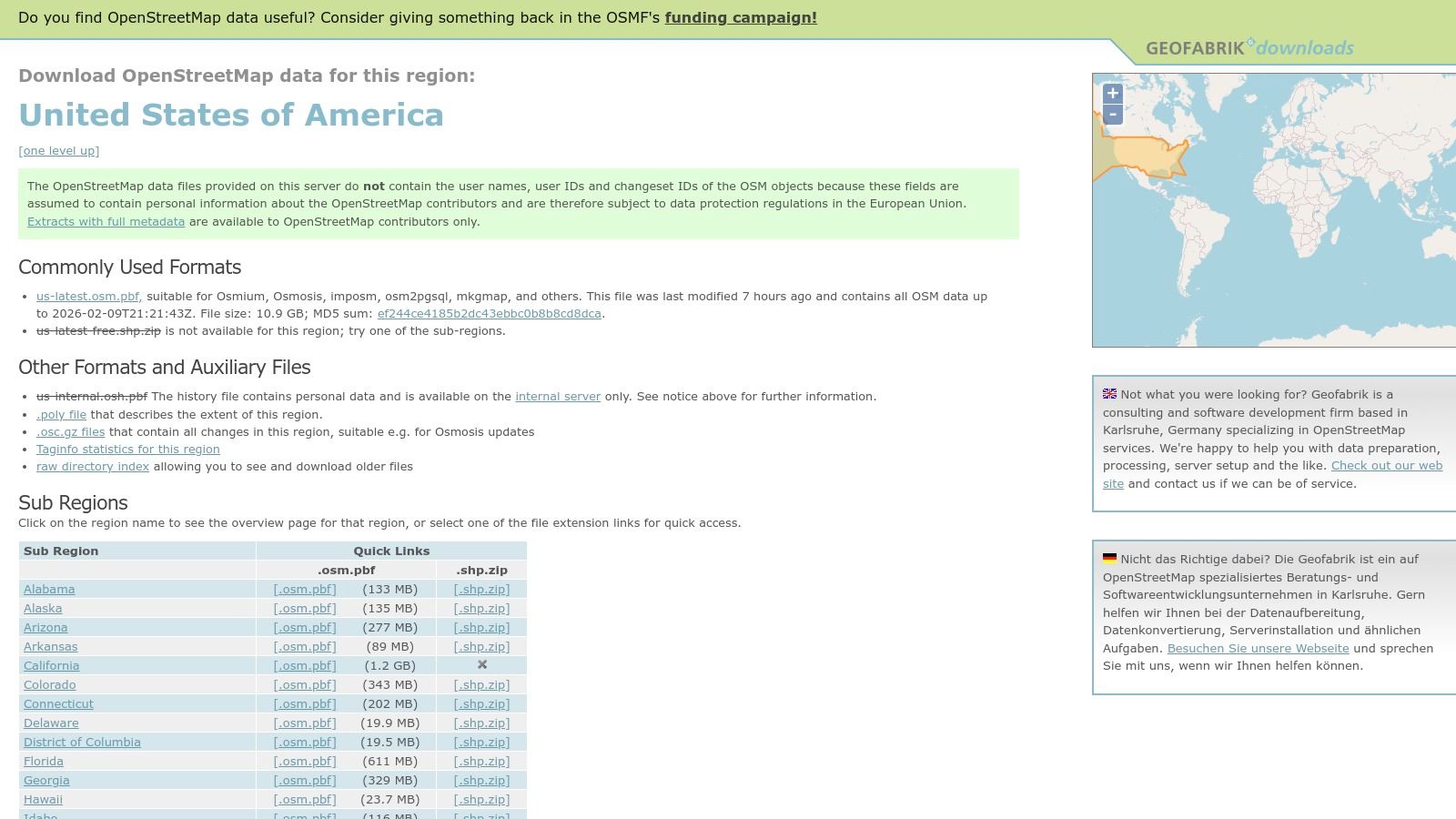
The service offers pre-packaged, country-specific data files, saving developers significant time. This makes it one of the most practical geo tools for building custom tile servers or running routing engines. The data is entirely free to use under OSM’s open license.
- Ideal Use Case: Building custom basemaps, powering offline mapping applications, and running self-hosted routing or geocoding services.
- Pros: Completely free downloads, fast integration with open-source tools like PostGIS, and fine-grained regional extracts reduce processing overhead.
- Cons: Data quality and completeness can vary by area depending on local contributor activity; there is no official support.
- Website: https://download.geofabrik.de/north-america/us.html
5. Mapbox
Mapbox is a developer-centric platform for highly customizable and performant web and mobile maps. It provides powerful APIs and SDKs to create beautiful, fast-loading vector maps. Mapbox offers a flexible foundation for polished user experiences.
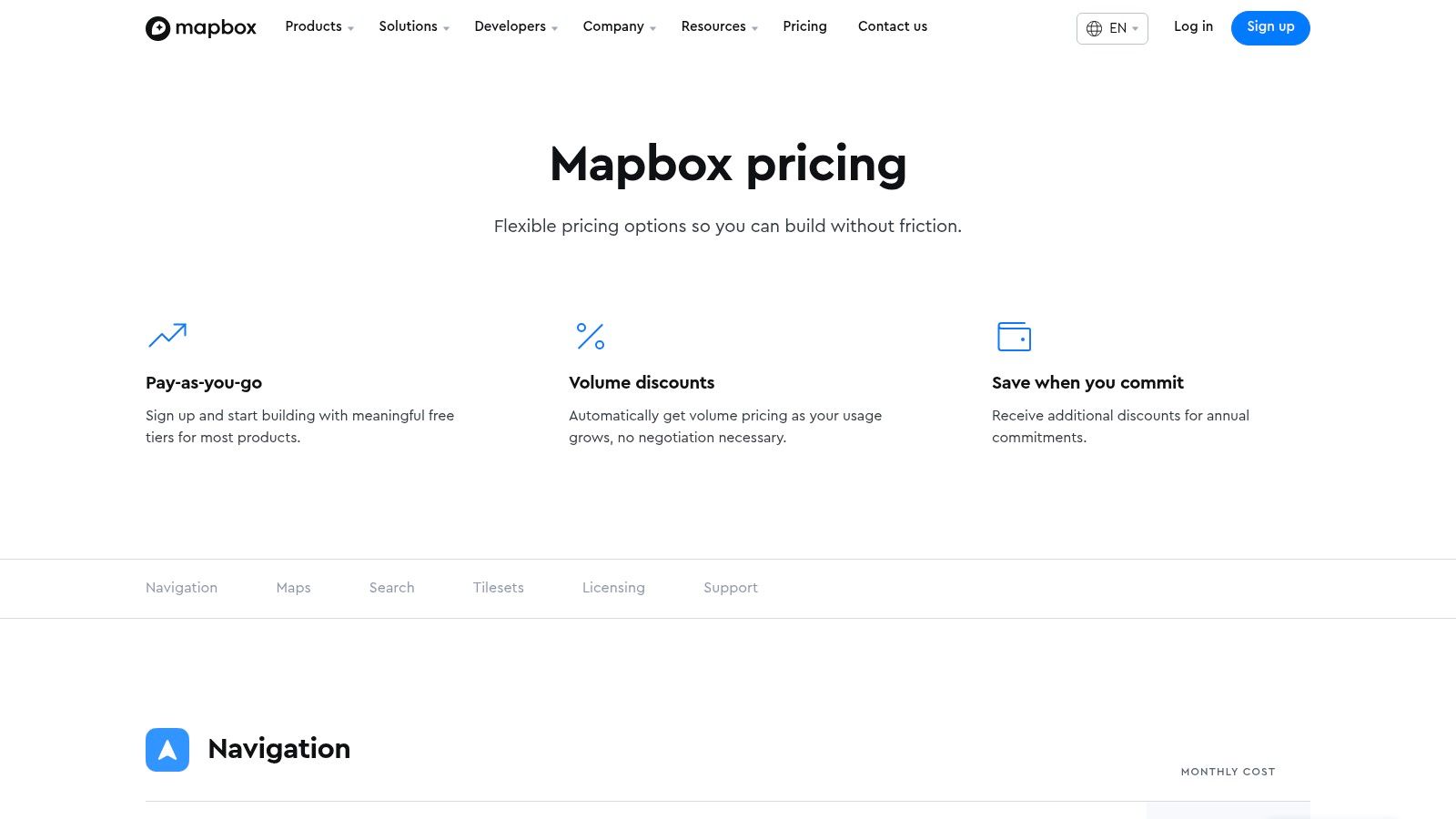
Its pay-as-you-go pricing model features a generous free tier for startups. As usage grows, costs scale, making it accessible yet powerful for production applications. Teams must monitor API usage closely, as high traffic can lead to significant costs.
- Ideal Use Case: Building custom interactive maps for consumer-facing web/mobile apps, asset tracking, and on-demand delivery services.
- Pros: High-performance rendering and extensive styling options with strong developer documentation and flexible, scalable billing.
- Cons: Costs can escalate quickly with high-volume usage if not carefully managed; API-specific licensing terms require review.
- Website: https://www.mapbox.com/pricing
6. CARTO
CARTO is a cloud-native location intelligence platform for spatial analytics and visualization. It excels at bridging the gap between raw location data and actionable business insights. It is a unique, high-performance solution for analyzing massive location datasets without moving them.
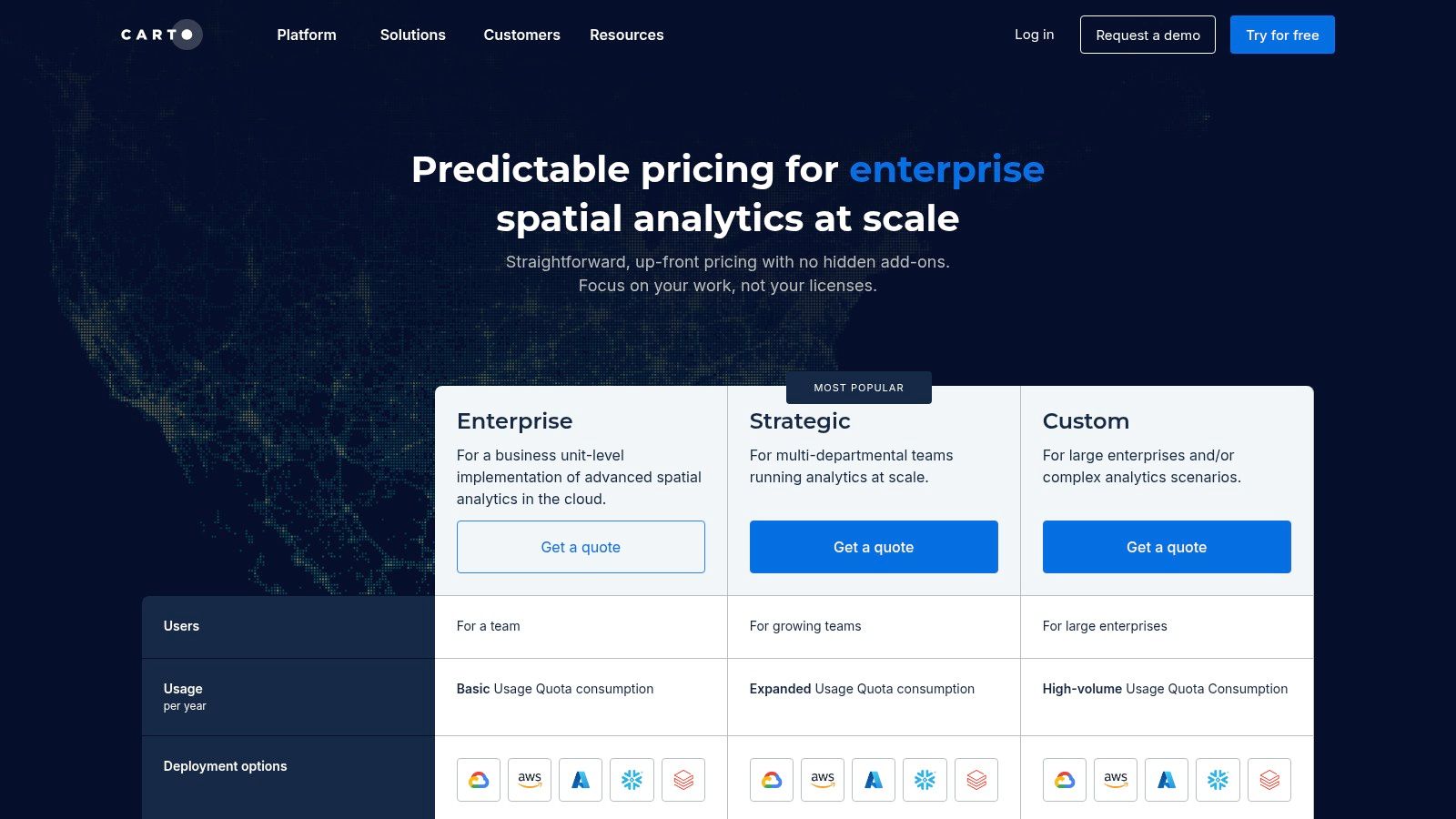
CARTO runs spatial functions directly within cloud data warehouses like BigQuery, Snowflake, and Redshift. This dramatically speeds up analysis. Its focus on cloud integration makes it one of the most effective geo tools for modern data stacks.
- Ideal Use Case: Site selection for retail, territory management for sales teams, and customer segmentation based on geographic behavior.
- Pros: Accelerates spatial analytics on existing cloud data, strong developer APIs, and excellent integration with visualization libraries like deck.gl.
- Cons: Pricing can be complex depending on the components used; less suited for organizations requiring fully offline or on-premises solutions.
- Website: https://carto.com/pricing
7. Planet (Commercial Satellite Imagery & Platform)
Planet provides near-daily global satellite imagery, a critical geo tool for monitoring change. Its platform is for organizations that need frequent, high-cadence Earth observation data. Planet serves a wide range of analytical needs, from broad-area surveillance to detailed site inspection.
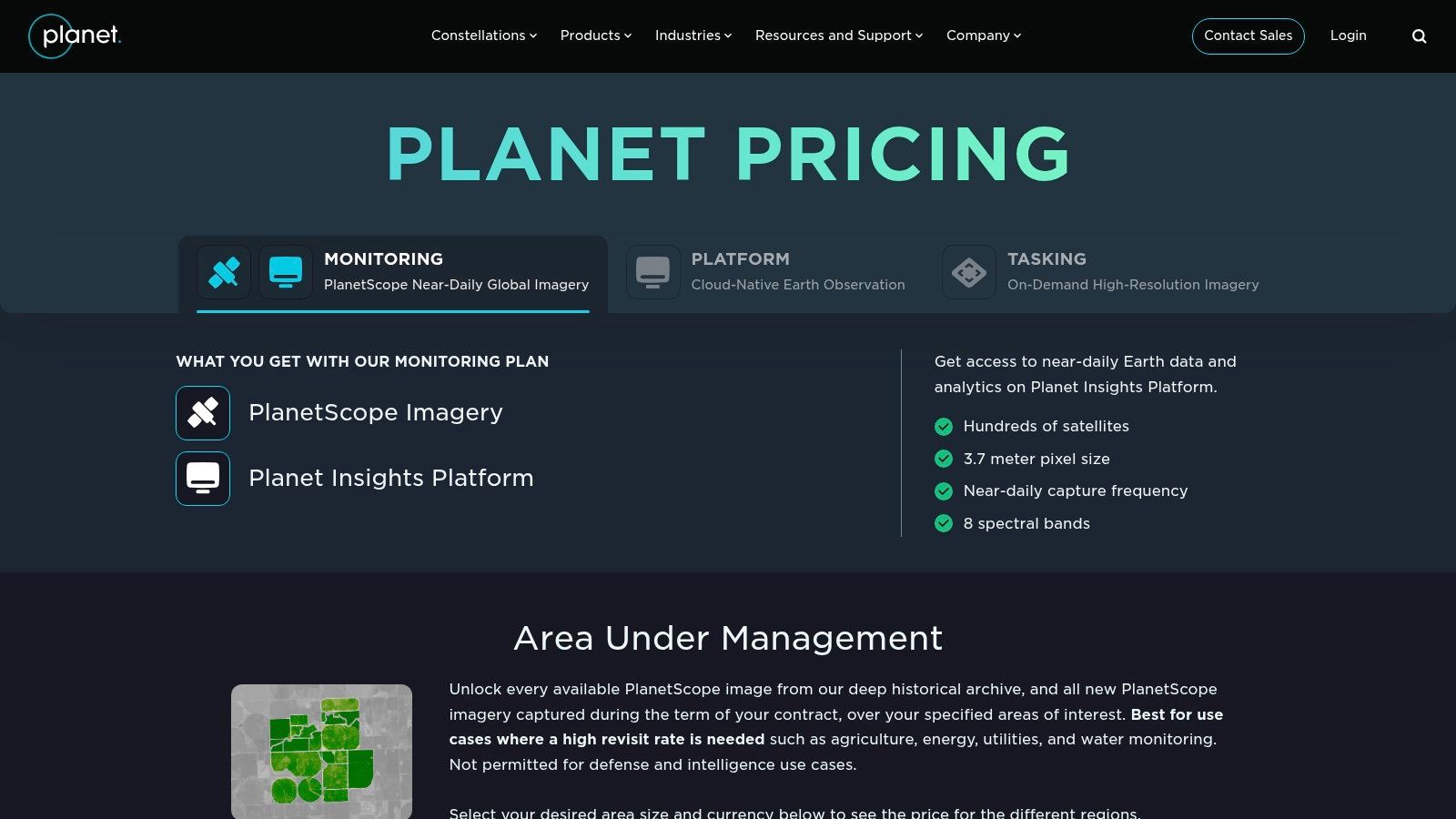
The platform offers self-serve purchasing options and robust API access. This allows teams to integrate timely imagery directly into their applications. Understanding its role in new search paradigms is key; learning about AI search engine optimization provides important context.
- Ideal Use Case: Agricultural yield forecasting, deforestation monitoring, disaster response, and supply chain intelligence.
- Pros: Very high revisit rate for fresh imagery, clear self-serve purchase paths for U.S. projects, and a well-documented API.
- Cons: Optical imagery is subject to cloud cover, and costs can scale significantly with the area and frequency of monitoring.
- Website: https://www.planet.com/pricing/
Final Thoughts: Building Your Geospatial Stack
The world of geo tools covers everything from enterprise GIS like Esri to nimble APIs from Mapbox. The key is to assemble a stack that solves your specific problems. Don’t look for a single tool that does everything.
Key Takeaways for Selecting Geo Tools
Start by defining your primary objective. Are you focused on data analysis, application development, or data acquisition? Answering this will immediately narrow your options.
A delivery app might prioritize Mapbox for APIs and CARTO for location intelligence. An environmental consultancy would lean on QGIS for analysis and USGS EarthExplorer for data. A common workflow uses QGIS for analysis with OpenStreetMap data, then publishes results with a MapTiler web map.
Assembling Your Geospatial Toolkit
Consider the total cost of ownership, including fees, development time, and the learning curve. Open-source solutions save money but require more technical expertise. Commercial platforms offer robust support and streamlined workflows that accelerate projects.
Integrating these systems requires careful planning. Consult guides on how to choose a technology stack to ensure compatibility. Experiment with free trials to find the perfect fit for your team’s skills and budget.
Ultimately, geospatial thinking provides a powerful competitive advantage. By understanding the “where” behind your data, you unlock deeper insights and create more valuable user experiences. The geo tools detailed here are your entry point into that location-informed perspective.
Ready to ensure your location-based content is recommended by generative AI? Airefs audits your content and provides specific optimizations to improve your Generative Engine Optimization (GEO) performance. See how your brand can become a trusted source for AI chatbots and search assistants. Start your free audit at Airefs today.
Frequently Asked Questions (FAQ)
What is a geo tool?
A geo tool is any software, hardware, or data source used to capture, analyze, visualize, or manage geospatial data. This includes desktop GIS software like QGIS, web mapping APIs like Mapbox, satellite imagery providers like Planet, and surveying equipment.
What’s the difference between GIS and geo tools?
GIS (Geographic Information System) is a specific type of system designed for deep spatial analysis, like Esri ArcGIS or QGIS. “Geo tools” is a broader term that includes GIS but also covers developer APIs, data sources, and physical hardware used for location-based tasks.
Can I use these geo tools for free?
Yes, many powerful geo tools are free. QGIS is a completely free and open-source desktop GIS. USGS EarthExplorer provides no-cost access to satellite imagery, and OpenStreetMap offers free global map data. Many commercial tools like Mapbox also have generous free tiers for developers.
How do I choose the right geo tool for my business?
First, define your goal: Are you analyzing data, building an application, or collecting field information? For analysis, start with QGIS. For app development, look at Mapbox or CARTO. For raw data, consider OpenStreetMap or USGS sources. Always evaluate a tool’s cost, learning curve, and integration capabilities with your existing technology.